Provides a guide on how to use the CDQ Partner Guard to check if your Business Partner is a Natural Person.
Learning Goals
In this tutorial, the user will be focused on:
- Using First Time Right (FTR) cloud app to check if your Business Partner is a Natural Person.
To go through the tutorial, you have to log in to the CDQ Cloud Apps.
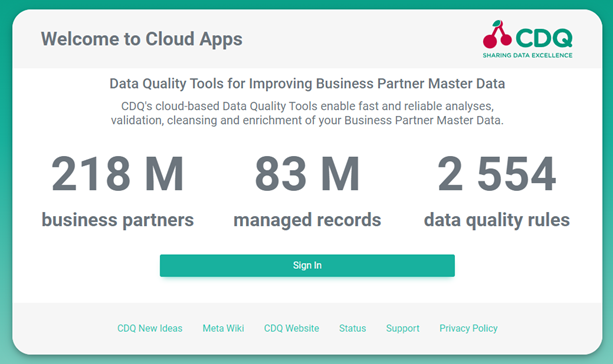 |
Click on Sign In and enter your username and password.
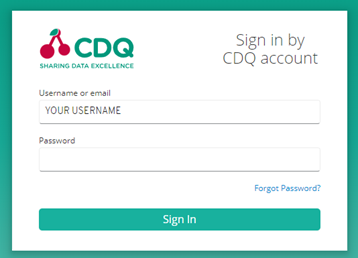 |
If you have no access to the CDQ Cloud App, ask your internal point of contact to create a CDQ dedicated account. Account details will be sent by email.
Natural persons are individuals who are not acting in a professional nature. They are not registered as a business entity.
- Go to the First Time Right cloud app,
- Click the Settings button,

- Switch toggle to Curation,
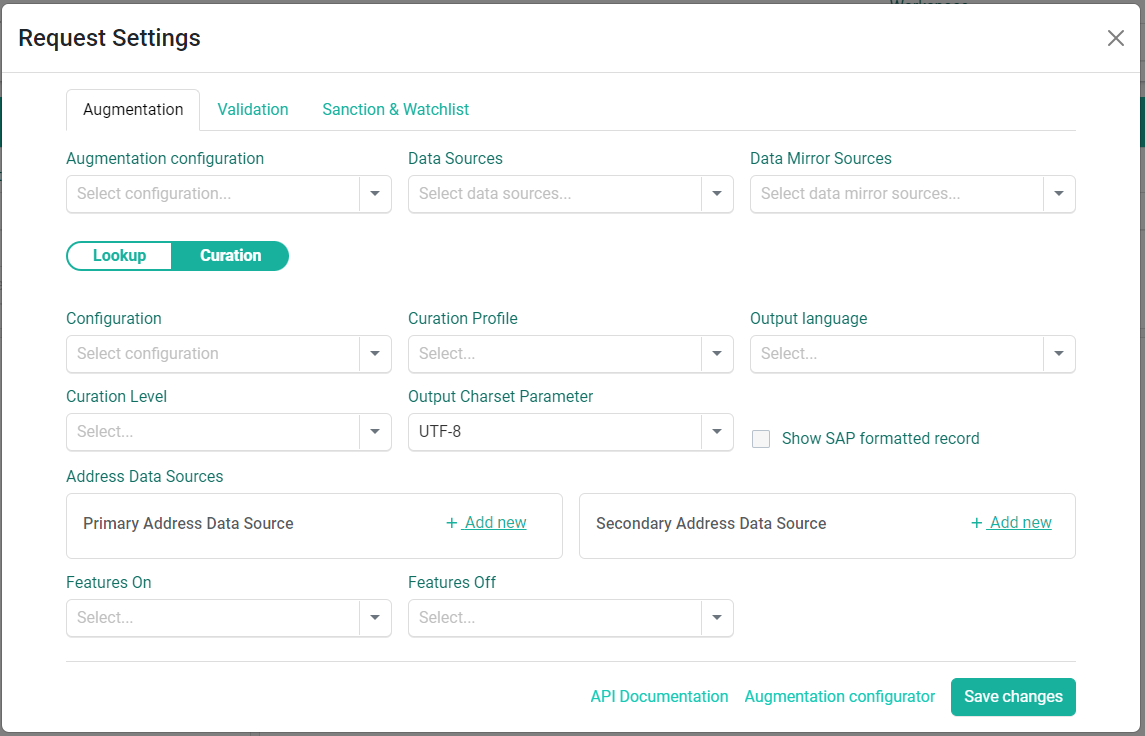
Use existing Augmentation Configuration
If there is no Augmentation Configuration available, skip point 4. and fill the criterias manually.
- Select the desired Augmentation Configuration from the dropdown list,
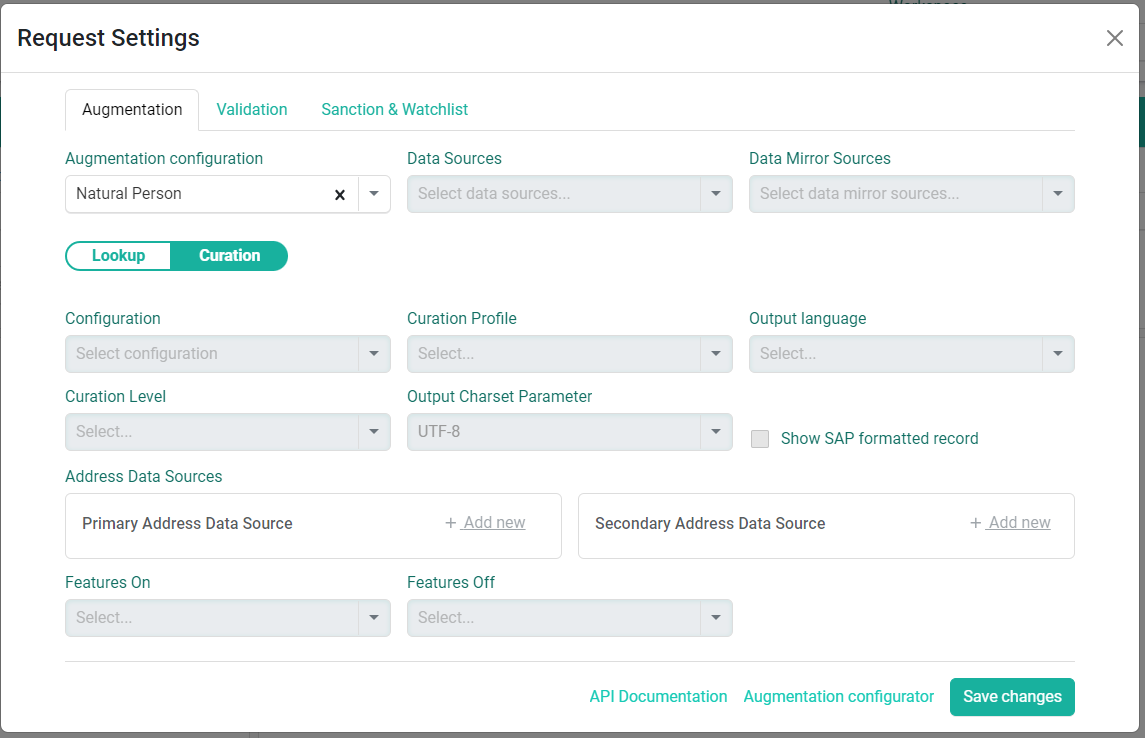
Fill criterias manually
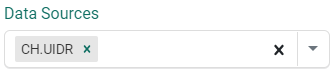
- Select required Data Source from the dropdown list,
- Select one of the parameters:
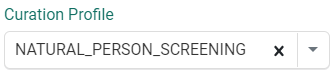
- Curation Profile:
NATURAL_PERSON_SCRENNING,
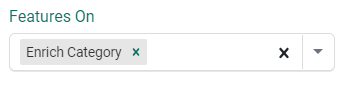
- Features On:
Enrich Category,
- Click the Save changes button,

- Provide the Business Partner data to check,

- Click the Curate BP button to check if the Business Partner is a Natural Person,
- Verify the result,
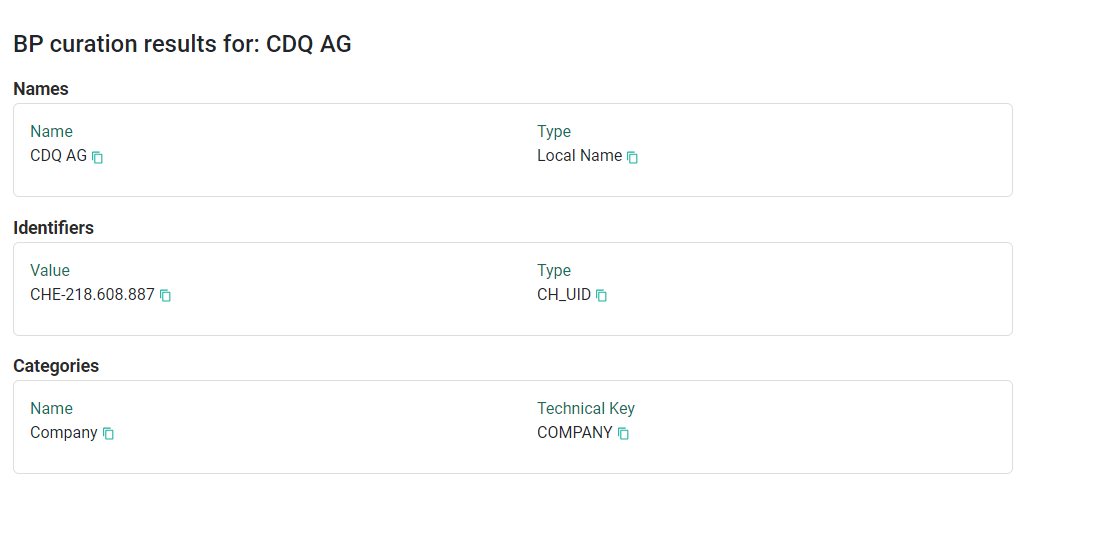
The Business Partner was successfully checked.
We are constantly working on providing an outstanding user experience with our products. Please share your opinion about this tutorial!